
WhatsApp / Telegram conversations
A photo arrives among messages. Someone must identify the site and task, ask for missing shots and confirm the outcome in the thread.
WEB · ANDROID · v0.7.0
Assign work by site, collect photo reports and checklists, and review results in one workflow on Web and Android.
A photo arrives among messages. Someone must identify the site and task, ask for missing shots and confirm the outcome in the thread.
The task already contains its site, assignee and evidence requirements. Photos, checklist, review and status stay attached to that task.
Select a site and employee and define evidence.
The employee follows the task checklist.
Add the required shots to the task.
Accept, apply formal rules or return for corrections.
Consult the outcome and evidence in the history.
Managers assign and review work. Employees see their tasks and submit reports on Web or Android.
Tie a task to a site and reuse requirements for recurring work.
Set checklist items and required photo counts for each assignment.
Collect location during explicit actions when configured. Record work start, pauses, resumes and finish.
Review by hand or accept automatically when configured formal rules are met. Return a report with a reason when corrections are needed.
See what is assigned, under review, returned or accepted and consult the task history.
The Android 0.7.0 build is available for testing. GPS and work-time options depend on the task settings and compatible Web, Android and server versions.
Product screenshots with demonstration data from documented test builds.
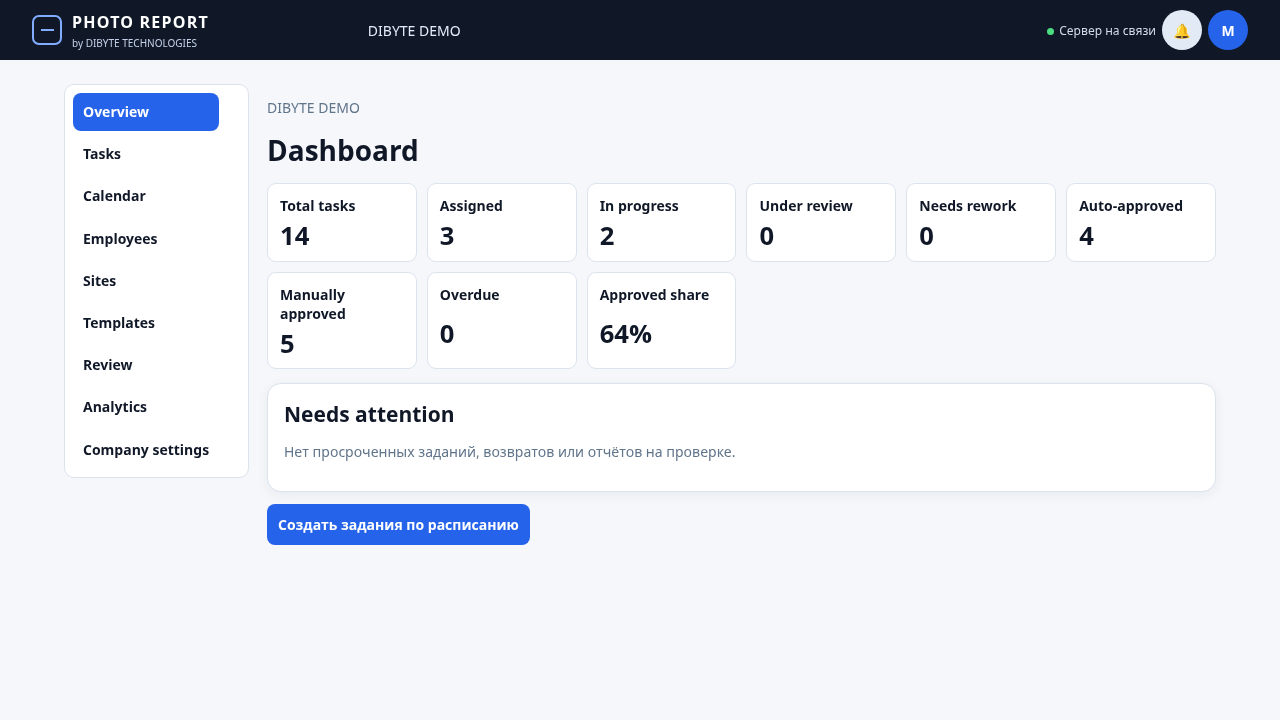
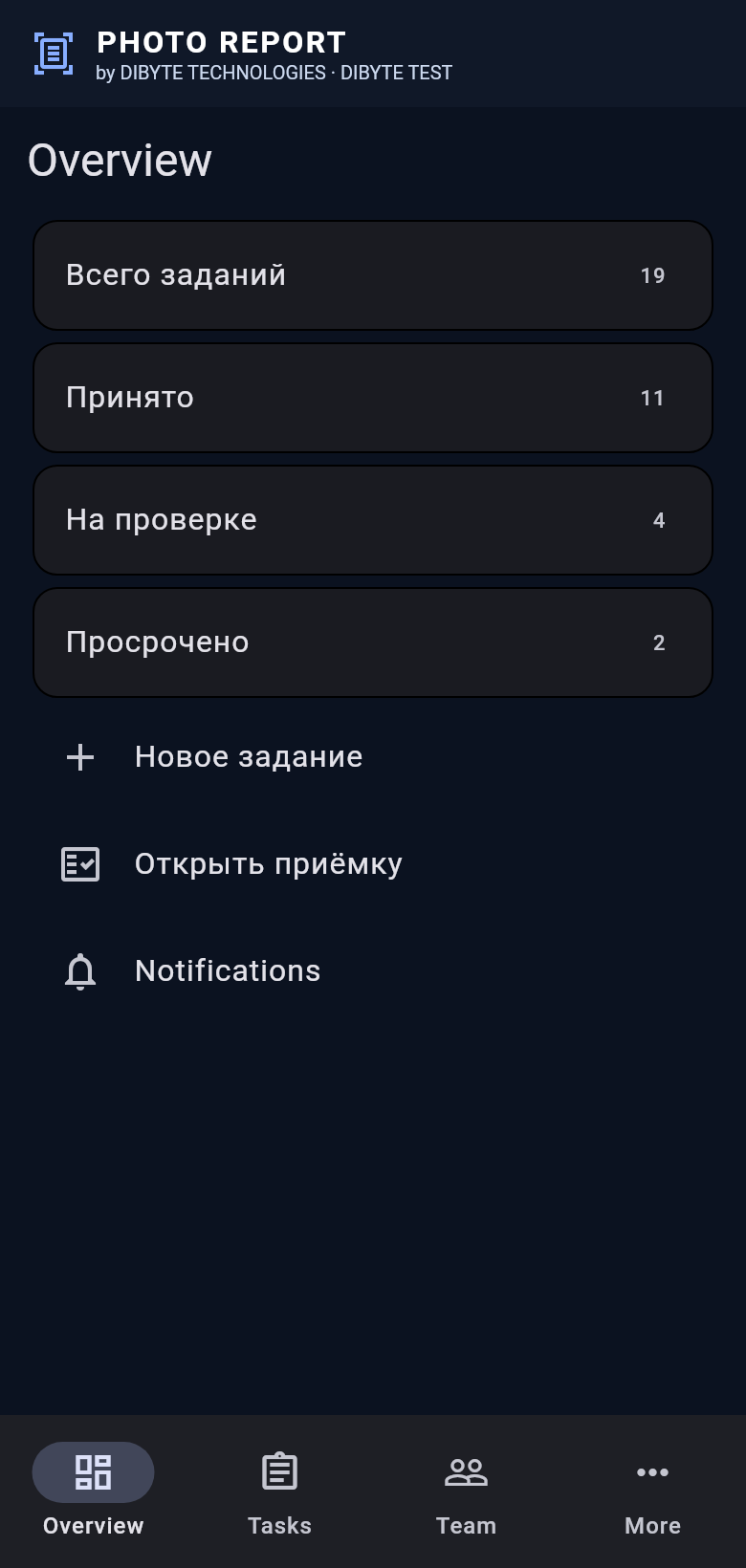
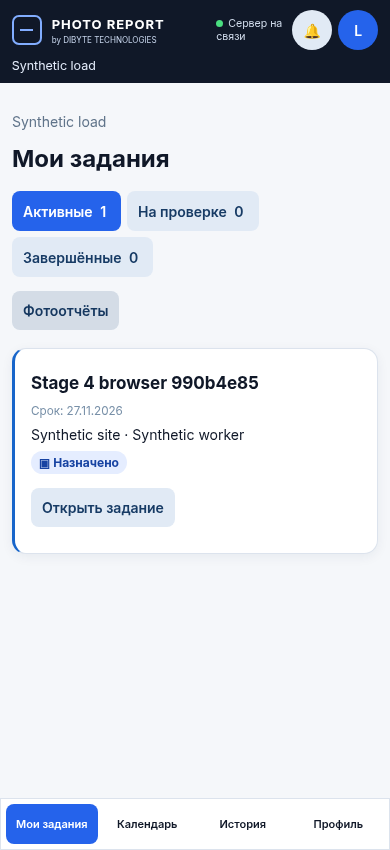
Managers coordinate staff and sites from a shared workspace. Start with one recurring assignment and define what a complete report looks like before adding more sites.
Keep a photo history of maintenance, repairs and recurring checks for a home or property. Combine task instructions, dates and images in one record.
One application supports different industries. Use each example to define a task, checklist and photo evidence for your own workflow.
Find answers about platforms, GPS, approvals, connectivity and working languages.